Complete Guide to the Apple Watch Charger: Choosing, Using and Troubleshooting
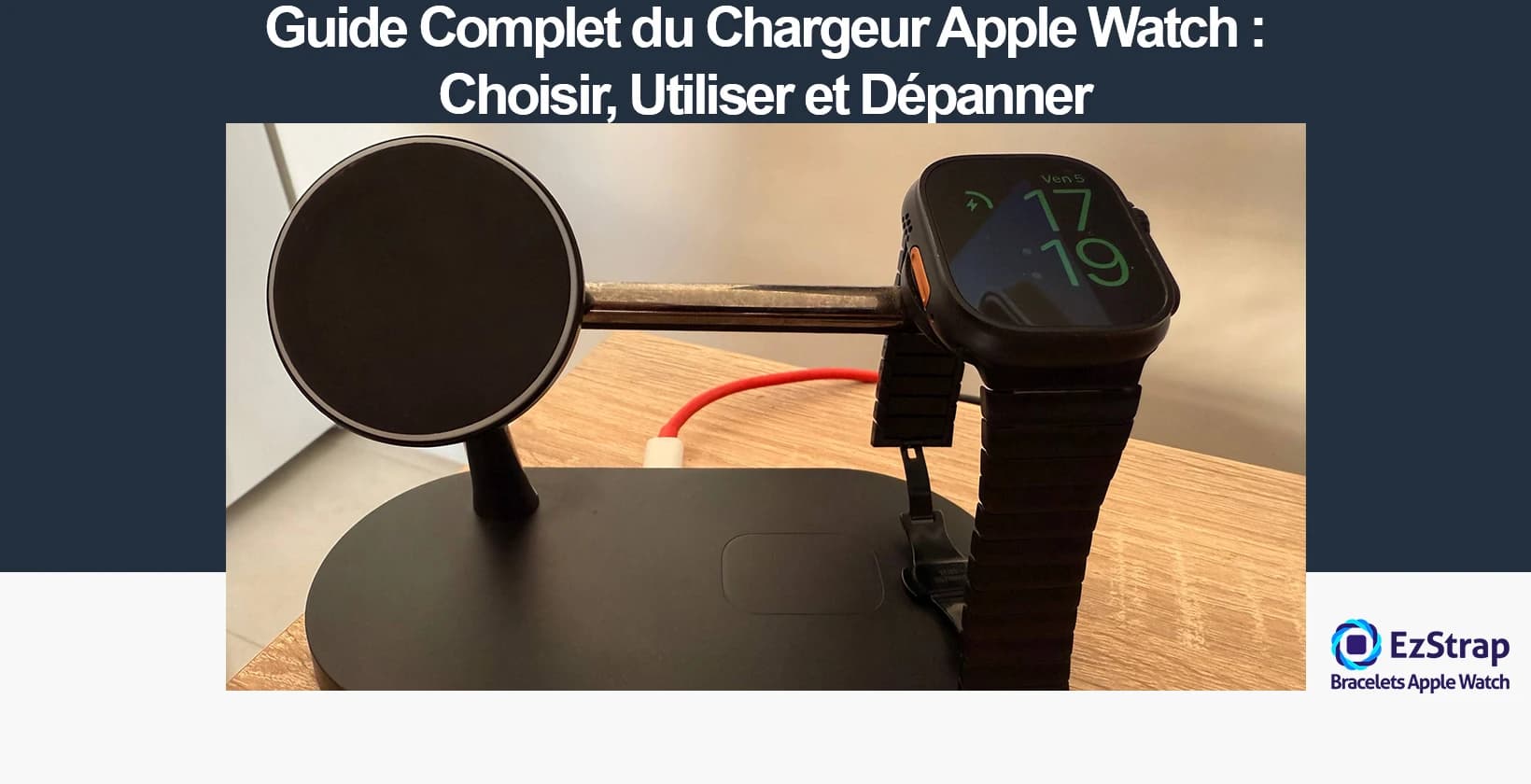
Complete Guide to the Apple Watch Charger: Choosing, Using and Troubleshooting
An Apple Watch charger is a magnetic accessory based on a proprietary wireless charging technology created by Apple. It guarantees automatic alignment of a circular magnetic base with the back of the Apple Watch, then transmits power by electromagnetic induction over a short distance, without relying on a universal standard such as Qi. Charging is a critical daily task, because of the small battery capacity of Apple Watch models (205 mAh to 564 mAh depending on the model), which is constantly drawn on by the biometric sensors, GPS, OLED display and cellular connectivity.
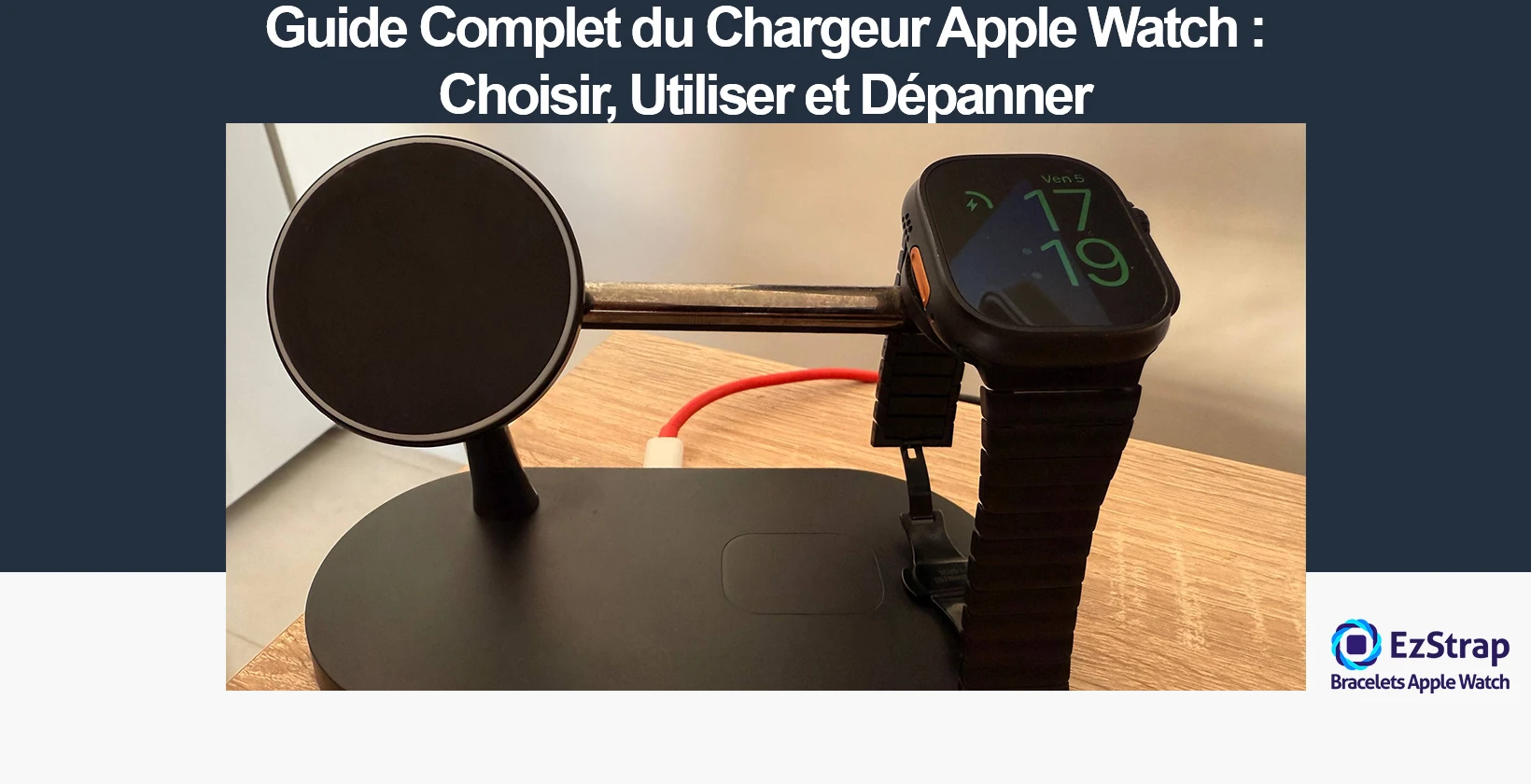
This article sets out the steps for choosing the right Apple Watch charger for your Apple Watch model, how to use your charger and how to charge your Apple Watch without a charger if you need to troubleshoot.
In a hurry? Charging without a charger — the solutions
Find the right charger for your watch
Select your model: the cable, the adapter and the charging time to expect are shown straight away.
How do you choose your Apple Watch charger?
To choose the right model for the way you use your watch, follow these guidelines.
- Identify your Apple Watch model: check the model number on the back of the watch or in Settings; General; About; Model Number.
- Make sure of compatibility with the magnetic induction zones and charging speeds. The Apple Watch Series 7, Series 8, Series 9 and Ultra (2 and 3) allow fast charging only with an Apple USB-C cable and a mains adapter of at least 20 W.
- Favour an MFi-certified charger (Made for iPhone) Choose a charger bearing the MFi certification validated by Apple. It guarantees compliance with Apple's standards for electrical safety, software and hardware compatibility, and thermal management.
- Analyse your everyday use:
- At home and in the office: charging on a table and access to Nightstand mode; a stable stand is recommended.
- On the move: favour a compact model with an integrated or magnetic, foldable cable to cut bulk and make it easier to carry.
- Check the power of the mains adapter Use an adapter with the right power output.
- Opt for durable materials and a good magnetic hold Choose a charger in aluminium, stainless steel or high-density silicone to promote durability. Favour a powerful magnet to guarantee good alignment with the charging coil, even when the device is tilted. A non-slip base ensures stability on a desk or bedside table.
- Consider the benefits of a multi-device charging stand Opt for a 3-in-1 charging stand if you have a full Apple ecosystem: Apple Watch, iPhone with MagSafe and AirPods with a wireless charging case. This type of charger limits the number of cables and sockets needed, and brings charging together on a single base that is both attractive and practical.
Non-certified chargers carry an increased risk of overheating, charging failures or battery damage. Prefer a USB-C cable on recent models.
It is important to always connect an original Apple or MFi-certified USB-C charging cable, from the Apple Watch Series 7 onwards, to enable fast charging. USB-A cables do not support this feature and are incompatible with the recent iPhone, iPad and MacBook adapters supplied since 2020.
Recommended power by model
| Apple Watch model | Recommended power |
|---|---|
| Series 1 to 6 | 5 W |
| Series 7, 8, 9, Ultra/Ultra 2/Ultra 3 | 20 W minimum |
With lower power, charging time gets longer, even with a compatible USB-C cable.
Steer clear of any charger without MFi certification or from obscure resellers. These copies use low-end components liable to cause overheating, reduced battery performance or disconnections of the magnetic charging coil. The lack of regulation can damage the watch's charging circuit.
A good charger must guarantee fast, stable and safe charging of any Apple Watch, from the Series 1 up to the Apple Watch Ultra 3. Favour an MFi-certified model with a USB-C connector, paired with an adapter of at least 20 W. Investing in a good charger supports battery lifespan and the reliability of full charge cycles.
How compatible are chargers with each Apple Watch model?
Compatibility between Apple Watch models and their charging cables depends on the type of USB port (USB-A or USB-C), the built-in magnetic charging technology, and fast-charging support.
| Apple Watch model | Charging cable required | Fast charging supported | Compatible with USB-A cable | Compatible with USB-C cable |
|---|---|---|---|---|
| Series 0 to Series 6 | Magnetic to USB-A cable | No | Yes | No |
| SE (1st generation, 2020) | Magnetic to USB-A cable | No | Yes | No |
| Series 7 (2021) | Magnetic fast-charging to USB-C cable | Yes | No | Yes |
| SE (2nd generation, 2022) | Magnetic fast-charging to USB-C cable | No | No | Yes |
| Series 8 (2022) | Magnetic fast-charging to USB-C cable | Yes | No | Yes |
| Ultra (2022) | Magnetic fast-charging to USB-C cable | Yes | No | Yes |
| Series 9 (2023) | Magnetic fast-charging to USB-C cable | Yes | No | Yes |
| Ultra 2 (2023) | Magnetic fast-charging to USB-C cable | Yes | No | Yes |
| Series 10 (2024) | Magnetic fast-charging to USB-C cable | Yes | No | Yes |
| Series 11 (2025) | Magnetic fast-charging to USB-C cable | Yes | No | Yes |
| Ultra 3 (2025) | Magnetic fast-charging to USB-C cable | Yes | No | Yes |
| SE 3 (2025) | Magnetic fast-charging to USB-C cable | Yes | No | Yes |
The Series 0 to Series 6 models and the Apple Watch SE (2020) use exclusively a magnetic-to-USB-A cable for charging and are not compatible with fast charging in any way.
Fast charging was introduced with the Apple Watch Series 7 (2021). This feature relies on the exclusive use of a magnetic fast-charging cable with a USB-C connector and requires a USB-C mains adapter compatible with the USB Power Delivery (USB-PD) standard. Fast charging is supported on the Series 7, Series 8, Series 9, Series 10, Series 11, Ultra, Ultra 2, Ultra 3 and SE 3 models.
The SE (2nd generation, 2022) model comes with a USB-C cable but does not allow fast charging even with the new connector. The SE 3 (2025) is the first in the SE range to support fast charging.
Fast charging is possible with a USB-PD-compatible USB-C adapter of at least 18 W. Apple recommends a USB-C mains adapter of 20 W or more to ensure optimal performance. Charging performance varies by model: Series 7/8/9 reach 0-80% in 45 minutes, Series 10/11 in 30 minutes, and Ultra/Ultra 2/Ultra 3 in about one hour.
For optimal charging performance, you will need to use:
- An Apple-certified magnetic fast-charging to USB-C cable
- A USB-C mains adapter of at least 18 W (20 W recommended)
This setup is necessary to guarantee fast charging on the Series 7 and later models, including the Ultra range and the new SE 3.
What are the different types of charger by use (Home, Travel, Multi-device)?
Apple Watch charger types vary according to their main use, the need for mobility and the ability to charge several Apple devices at the same time.
Home
Home chargers are stationary accessories, designed to provide daily, stable and safe charging in a domestic environment.
- Main features: connection to a mains socket via a USB-C or USB-A adapter depending on the watch model. The Apple Watch Series 1 to 6 mainly use a magnetic USB-A cable with a maximum power of 5 W. Models from the Series 7 onwards support fast charging with the magnetic USB-C module and a mains adapter of at least 18 W. Qi compatibility available since the Series 3.
- Formats: flat base, stand with circular base, angled frame, or universal Qi chargers.
- Advantages: stable charging, non-slip system in steel, aluminium or silicone, and a fixed position for overnight or desk use.
- Disadvantages: not portable, bulkier than mobile solutions.
- Use case: suits users who want permanent charging overnight or for stationary use on a bedside table / desk.
Travel charger
Travel chargers are compact accessories designed to charge the Apple Watch on the move.
- Main features: mini format, built into a key ring / rigid case, short USB-C cable, direct built-in USB-C connection. Power limited to 5-7 W, supporting Apple's proprietary magnetic charging or Qi for Series 3+. Compatible with MFi-certified models.
- Advantages: small footprint, light and easy to carry, no trouble with occasional top-up charging.
- Disadvantages: slower charging, no multi-device capacity, runtime dependent on being connected to a USB socket.
- Use case: ideal for users on the move, for frequent travel, business meetings, top-up situations.
Apple 3-in-1 charger
3-in-1 chargers are combined charging stations that can power an Apple Watch, an iPhone and AirPods at the same time on a single unified stand.
- Main features: three-in-one systems comprising a magnetic Apple Watch module (MFi), a MagSafe base (iPhone 12 and later), a Qi base (AirPods with MagSafe charging case). Total power up to 30 W, split between the devices (15W iPhone, 5W AirPods, 3-5W Apple Watch).
- Advantages: centralisation, fewer cables, clean look, makes a desk or rest area easier to organise and use.
- Disadvantages: high price (between €100 and €200) for certified models, loss of efficiency when all three devices are charging at the same time, less practical format.
- Use case: perfect for Apple users charging several devices overnight at home or in the office.
Power bank with Apple Watch charging
Power banks with an Apple Watch module have a magnetic charger built into the power bank itself, giving complete independence from a mains socket.
- Main features: capacity from 1300 mAh (i.e. 2-3 full Apple Watch charges) to 4000 mAh (about 6-8 full charges depending on the capacity of the watch model). 3-5 W wireless output with an MFi-certified module. USB-C and USB-A ports available to charge other devices (iPhone, AirPods).
- Advantages: extended mobile battery life, compact format suited to bags, no mains cable.
- Disadvantages: longer charging time (2-3 hours for a full charge), limited capacity, unpredictable efficiency with non-MFi-certified devices.
- Use case: recommended for nomadic users, people on the move, at festivals or in any setting without immediate access to a power socket.
Smart docking station with charging module
These smart docking stations combine Apple Watch charging with additional functions such as a digital alarm clock, a speaker or a night light.
- Main specifications: MFi-certified magnetic charging module for Apple Watch. Compatibility depending on the model: MagSafe station for iPhone or Lightning dock, multi-device USB hub stand. Possible additional functions: LED display, Bluetooth speaker, ambient light. Mains power required.
- Advantages: multifunctionality, integrated design, consolidation of home-automation equipment, bedside mode with time display.
- Disadvantages: high price (generally over €150), power drawn even on standby, bulky on a bedside table.
- Use case: stationary user wanting to combine alarm clock, audio station and charger in a single device.
What is the technology behind Apple Watch charging?
Apple Watch charging relies on a proprietary Apple wireless energy-transfer process based on a magnetic induction charging module. Launched with the Apple Watch (1st generation) in April 2015, Apple's magnetic induction charging uses a closed protocol – Magnetic Charging Module – combining electromagnetic induction transmission with a magnetic self-alignment mechanism. This technology is not compatible with the Qi standard (Wireless Power Consortium) and requires exclusively Apple magnetic chargers or MFi-certified accessories designed specifically for the Apple Watch.
The main function of this system is to transfer energy without contact between a transmitting charging base and the receiving coil built into the watch, thanks to precise magnetic alignment. This arrangement ensures stable, optimised and safe charging of the Apple Watch's lithium-ion battery.
Inductive magnetic connection
The back of the Apple Watch has a circular surface in ceramic and synthetic sapphire crystal (for the stainless steel and titanium models) or in composite material (for the aluminium versions), which includes a receiving coil. The magnetic charger has a transmitting coil and a set of magnets to guarantee a coupling designed to increase positioning tolerance.
- This system allows charging of up to 5 W for models prior to the Series 7 (Series 0 to Series 6, SE 1st generation)
- and up to 7 W for the Apple Watch Series 7, Series 8, Series 9, Series 10, Series 11, Ultra, Ultra 2, Ultra 3 and SE 3 using a USB-C cable certified for fast charging
Built-in thermal management
The charging system introduces dynamic thermal management using sensors and a microcontroller in the charger, working with the watchOS software interface. This control adjusts the flow of current to prevent overheating, preserve the lifespan of the lithium-ion battery and maintain the watch's electronic integrity, especially during fast-charging cycles.
MFi certification (Made for iPhone/iPad/Apple Watch)
Accessories compatible with Apple Watch charging must hold MFi certification. This involves:
- compliance with technical specifications laid down by Apple: 5 V voltage, output current regulated according to the model
- integration of components recognised by the OS to enable features such as fast charging Non-certified products can cause system alerts, slow down charging or even fail to work on the latest Apple Watch models.
Fast charging as applied to this system uses the USB‑C magnetic charging cable supplied with the Apple Watch Series 7 and later, as well as all Ultra models. This cable supports fast charging, capable of charging the watch from 0% to 80% in about 45 minutes on the Series 7/8/9, 30 minutes on the Series 10/11, and one hour on the Ultra models.
As soon as the connector is correctly magnetised to the back of the watch, charging starts automatically with a chime (unless silent mode is on).
Official Charger, MFi-Certified Charger and Standard Charger: What Are the Differences?
| Criterion | Official Apple Charger | MFi-Certified Charger (Made for Apple Watch) | Standard Charger (Not Apple-Certified) |
|---|---|---|---|
| Manufacturer origin | Designed & manufactured by Apple itself | Designed by a third-party manufacturer approved by Apple through the MFi programme | Produced by a third-party manufacturer not approved by Apple |
| Certification | Complies with Apple technical specifications | Approved by Apple to guarantee perfect compatibility | No conformity testing & validation by Apple |
| Full compatibility | Compatible with all Apple Watch models from the Series 0 to 11, including SE (1st, 2nd & 3rd gen) and Ultra (all) | Compatible with all recent Apple Watch models if MFi-certified specifically for Apple Watch | Unpredictable compatibility, does not work on some recent series (e.g. Series 7+, Ultra, SE 3) |
| Charging speed | Up to 80% charge in 45 mins on S-7/8/9, 30 mins on S-10/11, 60 mins on Ultra with 18W+ USB-C adapter | Fast charging available if the MFi-certified cable has a USB-C module & power supply >= 18 W | Charging often slow, unstable, no fast charging supported |
| Electrical safety | Includes Apple's protections against overvoltage, overheating and short-circuit | Includes modules validated for electrical safety to the standards imposed by Apple | Unknown safety level, risk of overheating, internal damage or electric shock |
| Typical cost | High: between €29 & €59 depending on model & cable included | Lower: between €15 and €40 depending on manufacturer quality (Belkin, Anker, Nomad) | Low: often < €12 with no technical or certification guarantee |
| Product lifespan | Long lifespan, optimised for the Apple ecosystem | Variable quality but generally reliable if from a known manufacturer (e.g. Belkin, Anker, Twelve South) | Inconsistent reliability, components prone to premature wear |
| Manufacturer warranty | Yes: covered by Apple warranty (1 year) or AppleCare when included | Warranty often between 12 and 24 months depending on the certified manufacturer | Limited or non-existent warranty; little recourse in the event of failure |
| Fast charging supported | Yes: fast charging available with Apple Watch Series 7 and later, Ultra all generations, SE 3, adapter >= 18 W with Apple USB-C cable required | Yes: only if the MFi charger has a fast-charging module via a USB-C adapter >= 18 W | No: fast charging never supported, unstable use with recent models |
Tests carried out by Apple and independent laboratories show that the official Apple charger guarantees the best charging performance, full compatibility across all models and the best electrical protection. MFi-certified chargers are a satisfactory alternative if you check their certification in the Apple MFi database and choose recognised manufacturers such as Belkin, Anker or Twelve South.
What is fast charging and how does it work?
Fast charging is a rapid-charging technology that allows high power to be sent to a lithium-ion battery while preserving its thermal and electronic safety. It allows quicker charging than a standard charger, without prematurely degrading the cells. Fast charging first appeared commercially in 2013 with Qualcomm and Quick Charge 1.0 (power up to 10 W). Other protocols then emerged: USB Power Delivery (USB-PD), VOOC (Oppo), Warp Charge (OnePlus, derived from VOOC), and the fast charging (via USB-PD) built in by Apple since the iPhone 8 (2017) and, on the Apple Watch, from the Series 7 (2021) under watchOS 8.3 at minimum.
The main aim is to reduce the charging time of electronic devices (smartphones, laptops, smartwatches, tablets…) while keeping battery management optimised.
Three essential technical characteristics define how fast charging works:
- Dynamic adaptation of charging power: Fast-charging protocols automatically adapt voltage and current to the capacity of the device. USB-PD 3.1 thus allows power of up to 240 W (48 V/5 A), used mainly on laptops. On smartphones, common power levels range from 18 W to 120 W depending on the brand.
- Intelligent communication between device and charger: A real-time digital dialogue is established between the device and the charger thanks to protocols such as USB-PD, Quick Charge or VOOC. This two-way communication identifies the supported power limits, the internal temperature and the battery's state of charge, ensuring safe and optimised charging.
- Active thermal regulation: Thermal sensors built into the charger and the device monitor the temperature to avoid overheating during a fast-charging phase. As soon as the temperature exceeds a critical threshold, the system dynamically adjusts the power delivered, thereby preserving the integrity of the battery and preventing any malfunction.
For example, on an Apple Watch Series 7/8/9, with a USB-C adapter of 18 W or more and an Apple-certified magnetic fast-charging cable, the watch charges to 80% in 45 minutes. On the Series 10/11, that time falls to 30 minutes, and on the Ultra models it takes about 60 minutes. By comparison, with an incompatible USB-A adapter, it takes about 90-120 minutes to reach an equivalent level.
Moreover, for compatible watches from the Series 7 to the Series 11, Ultra of all generations and SE 3, the fast-charging function absolutely requires a USB-C Power Delivery charger with a specific fast-charging cable and an adapter of at least 18 W.
How to charge an Apple Watch?
Follow these steps to charge your Apple Watch safely.
- Choose the right charger: use the Apple magnetic charging cable (USB-C) or an MFi-certified Apple Watch charging stand. Avoid generic Qi chargers that are not compatible.
- Plug in the power: connect the cable to a USB-C mains adapter (ideally 20 W or more for fast charging on compatible models) or to a reliable computer USB-C / Power Delivery port.
- Prepare the watch: take the Apple Watch off your wrist and make sure the back of the case and the face of the charging puck are clean and dry.
- Position it correctly: place the back of the Apple Watch on the magnetic puck. The magnet centres it automatically.
- Check the animation: a battery/lightning bolt symbol appears and a "ding" may be heard. If nothing appears, reposition the watch until you see the charging animation.
- Let it charge: the battery icon turns green (or yellow if in Low Power Mode). The Series 7 and later models (incl. Ultra/Ultra 2) benefit from fast charging with the Apple Watch USB-C cable and a suitable adapter.
- Check the status: raise your wrist or touch the screen to see the percentage. You can also place the watch on its side in Nightstand mode to show the time and charging progress.
- Optimise battery health: charge between 20% and 80% when possible, avoid extreme temperatures (ideal: 0–35 °C), and keep the "Optimised Battery Charging" feature turned on.
How do you charge an Apple Watch without its charger?
Charging an Apple Watch without a charger means using a compatible magnetic accessory designed exclusively for the watch, or using reverse charging from an iPhone 15 or later. Only MFi-certified products (Made for iPhone/Apple Watch) guarantee proper alignment of the induction coils and restore power to a low battery, on the move or with no socket available.
Here is how to charge an Apple Watch without an Apple charger:
-
Use iPhone 15/16 reverse charging (recommended method for 2025) Revolutionary new method: the iPhone 15 and later can charge your Apple Watch directly via wired reverse charging. Connect your Apple Watch to the iPhone's USB-C port using the magnetic USB-C cable supplied. The iPhone will automatically detect the watch and transfer up to 4.5 watts of power. Make sure the iPhone has at least 20% battery.
-
Make sure the third-party accessory is compatible with the Apple Watch Use an MFi-certified accessory (Made for iPhone/Apple Watch) that is advertised as Apple Watch compatible. The watch uses Apple's proprietary magnetic charging chip, which is strictly incompatible with standard Qi chargers (reserved for smartphones). Basic induction pads will supply no current to the Apple Watch.
-
Prefer an MFi power bank with a magnetic module An alternative option is to use power banks fitted with an MFi-certified magnetic charging module. Brands such as Belkin, Anker or Twelve South offer this type of charger, compatible with all recent models: Apple Watch Series 1 to 11, SE (1st, 2nd and 3rd generations), Ultra (all generations).
-
Connect a certified magnetic charging cable Use an MFi-certified magnetic charging cable from an approved manufacturer such as Belkin or Nomad. It fits the curved back of the watch properly. Wipe the charging surface with a dry cloth to ensure contact, and check the magnetic alignment to avoid interruptions during charging.
-
Use a charging case with a built-in battery Place the Apple Watch in a carry case that includes a magnetic charging stand and an internal MFi-certified battery. Designed to power the watch without an external power source, these cases suit life on the move, such as flights, hikes or long days without a socket.
-
Adjust the alignment of the watch on the magnetic charger precisely Position the watch by hand on the magnetic base. The Apple Watch only starts charging if the induction coils are aligned to the millimetre. The slightest offset prevents the transfer of power. The magnetic hold should be firm and stable, with an audible signal confirming that the connection has succeeded.
-
If it still won't charge, put the watch in Power Reserve mode if needed Press and hold the side button to display "Power Reserve". Once enabled, this mode limits the display to the time only, reducing power consumption to a minimum. It lets you hold on to the remaining battery until the next proper charge.
-
Always plug into a sufficiently powerful USB port Connect the charger to a USB port of at least 5V/1A (5W). For fast-charging models (Series 7 and later, all Ultra generations, SE 3), prefer a USB-C port of 18W minimum. Low-power ports interrupt the charging cycle or cause extremely slow charging.
Before getting hold of a cable or charger, it is best to have properly chosen your Apple Watch. You can read our detailed guide to help you.
Conclusion: It is possible to give an Apple Watch a full charge with an MFi-certified magnetic charger, even without using the original charger supplied by Apple. Only accessories dedicated to the watch ensure proper magnetic alignment and a stable power supply.
Expert recommendation: Opt for an MFi-certified travel battery with a built-in magnetic module to charge the Apple Watch without a wall socket. These solutions suit travel and stand-alone use, ensuring safe and efficient charging on the move.
Can you use your iPhone to charge your Apple Watch?
Yes, the iPhone 15 and later models can charge an Apple Watch via wired reverse charging. Since the iPhone 15 (2023), Apple has introduced wired reverse charging via the USB-C port. This feature transfers up to 4.5 watts of power from the iPhone to the Apple Watch by connecting the watch's magnetic USB-C cable directly to the iPhone's USB-C port.
Important: The iPhone must have at least 50% battery to enable this feature. Charging starts automatically as soon as the Apple Watch is connected via its magnetic cable to the USB-C port of the iPhone 15/16 or later.
Limitations: No iPhone currently has wireless reverse charging. iPhones are charged either through the Lightning port (iPhone 5 to 14 models) or USB-C (from the iPhone 15), or wirelessly using the Qi standard (up to 7.5 W) or the MagSafe protocol (up to 15 W). Wireless reverse charging could arrive with the iPhone 17 Pro according to rumours, but is not available in 2025.
In short: Wired reverse charging works from the iPhone 15 onwards, letting you charge your Apple Watch directly from your iPhone using the magnetic USB-C cable supplied with recent Apple Watch models.
Can you use an iPhone charger to charge your Apple Watch?
Yes, an iPhone charger can charge an Apple Watch, provided you use the appropriate Apple Watch magnetic cable. Although the iPhone charges through a USB-C or Lightning cable that electrically connects to its dedicated port, and the Apple Watch charges wirelessly by induction through a coil built into the back of the watch, the iPhone's power adapter supplies the electrical power (5W to 20W) needed to feed the Apple Watch magnetic cable. You simply plug the Apple Watch magnetic cable (USB-A or USB-C depending on the model) into the iPhone power adapter, then place the watch on the magnetic end so that charging starts automatically. The iPhone cable alone cannot establish a direct charging circuit with the Apple Watch because it lacks the specialised magnetic connector required for induction.
What are the dangers of a format or power mismatch between the charger and the Apple Watch?
Using unlicensed cables or uncertified adapters unintentionally creates a high risk of overheating, abnormally slow charging, random stops and restarts of charging, and premature wear of the Apple Watch battery. An analysis of more than 200 uncertified Apple charging accessories, carried out by Fakespot in 2023, shows a breakdown or failure rate of 34%, notably owing to the lack of thermal regulation.
Apple has also published an official warning against counterfeit chargers, which can cause repeated chimes during charging and a significant reduction in battery life. To maintain the hardware integrity and electrical safety of their Apple Watch, Apple systematically recommends using MFi-certified chargers (Made for iPhone/Apple Watch) or genuine Apple chargers identifiable by their official serial numbers (A1570, A1598, A1647, A1714, A1768, A1923, A2055, A2056, A2086, A2255, A2256, A2257, A2458, A2515, A2652, A2879).
It is important to note that an iPhone power adapter can perfectly well power an Apple Watch when connected to the appropriate Apple Watch magnetic cable, because it is the certified magnetic cable that contains the inductive circuit needed for safe charging.
What are the other emergency charging solutions?
Top-up charging options for the Apple Watch include various devices able to charge the watch without the official cable, notably during extended travel or when there is no fixed power source. These solutions are chosen according to their portability, their compatibility with the different Apple Watch series and their energy efficiency.
Dedicated MFi power banks
MFi power banks (Made for iPhone/Apple Watch) are portable batteries certified by Apple, fitted with a built-in magnetic charger compatible with the Apple Watch's inductive charging technology.
Key features: capacity from 1200 mAh to 10000 mAh, output power from 2.5 W to 5 W, officially approved inductive charging module.
Pros and cons: provide safe charging without overheating, work with every Apple Watch from Series 1 to Series 11 as well as Apple Watch SE (1st, 2nd and 3rd generations) and Apple Watch Ultra (all generations) but cost more than uncertified models.
Ideal use case: When you are away for a long time on your own with a high need for mobility, such as business travellers, field technicians or active users in poorly served areas.
Compact USB-C induction chargers
Compact USB-C induction chargers are miniature devices with a built-in magnetic tip, which plug directly into a USB-C port to provide inductive charging.
Key features: compact size, average output power of 2.5 W to 5 W, direct USB-C connector, charging support for Apple Watch Series 3 and later: Series 11, SE (all generations) and Ultra (all generations).
Pros/Cons: offer easy charging thanks to the USB-C port (laptop, power bank, tablet, iPhone 15+), but need an adapter for older USB-A ports.
Ideal use case: suits users of recent devices with USB-C such as post-2018 MacBook Air/Pro, iPad Pro, iPhone 15 and later.
Hybrid solar panel stations
Hybrid solar panel stations combine a photovoltaic panel and a built-in battery to provide partly autonomous charging without a fixed power source.
Technical features: powerful solar panel delivering between 5 V and 6 V direct current, lithium-ion battery of 10000 mAh to 20000 mAh, dual USB-A/USB-C port and Apple Watch charging module via a detachable MFi magnetic cable.
Pros/Cons: useful on extended outdoor trips with direct exposure to the sun. Their efficiency becomes negligible in low light or thick cloud.
Ideal use case: suited to self-sufficient expeditions such as multi-day hiking, wild camping or missions in remote areas.
Charging cases with a built-in charger
Carry cases designed with a built-in charging compartment for the Apple Watch.
Technical features: padded storage space, built-in MFi magnetic recess, internal battery of up to 6700 mAh.
Pros/Cons: combines physical protection of the watch and charging without an additional accessory, but takes up more room than small chargers.
Ideal use case: suited to long journeys (plane, train, long-distance coach) or to travellers who want to combine storage, protection and power in a single accessory.
Emergency retractable magnetic cables
Retractable magnetic cables are compact accessories with an Apple-certified magnetic tip and a USB-A or USB-C connector depending on the model.
Technical features: Adjustable length from 15 cm to 1 metre, input voltage 5 V, universal compatibility with every Apple Watch from Series 1 to Series 11, SE (all generations) and Ultra (all generations). Compliant with the MFi standard.
Pros/Cons: useful for light travel and compatible with every USB power source (power bank, travel charger, iPhone 15+ via reverse charging), but require a socket or a power bank to hand.
Ideal use case: best for short trips, urban users or those who already own a portable power device.
Multi-charging adapters with an Apple Watch module
Multi-charging adapters are USB hubs (or stations) with a built-in certified Apple magnetic module that allows several Apple devices to be charged at the same time.
Features: USB-A and USB-C connection depending on the model, current distribution of up to 2.4 A per port, dedicated slot for charging an Apple Watch up to Series 11 and Ultra 3.
Pros/Cons: useful for grouping the charging of several devices (e.g. iPhone, AirPods, iPad and Watch) in one fixed place, but unusable on the move, without access to mains power or a power bank.
Ideal use case: relevant for users with an ecosystem of Apple devices at home, at the office or on a temporary stay (Airbnb, hotel, studio).
Each of these alternative charging solutions for the Apple Watch meets a different need depending on the length of the trip, the environment and the conditions in which the user is using it.