30 essential Apple Watch features: Health, Sport, Connectivity and Safety
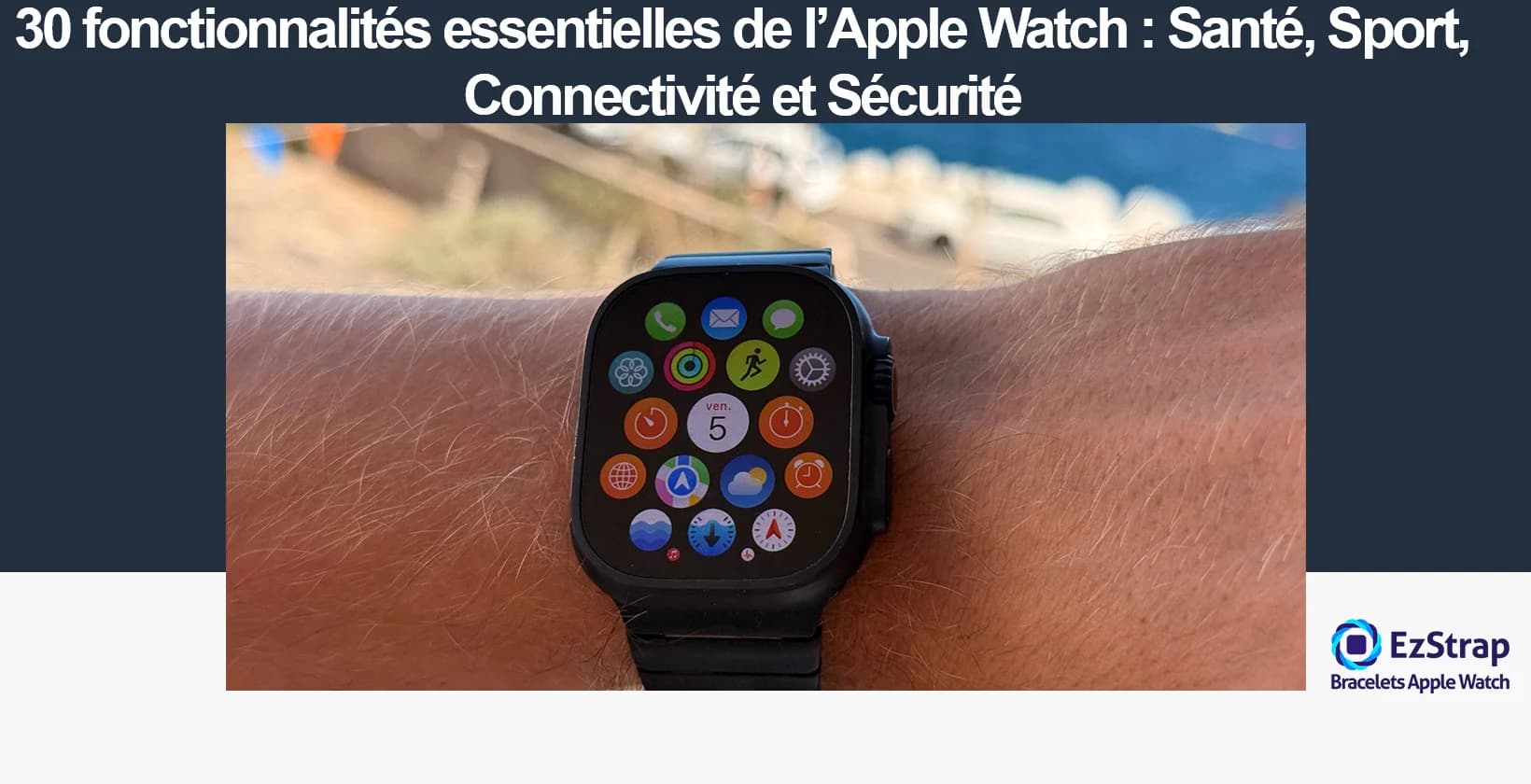
Considered by many as a "super handy" extension of the iPhone that makes a multitude of features accessible directly on your wrist, it is worth asking what an Apple Watch is actually for in daily life. At once a sports partner that measures all your activities, a proactive guardian of your wellbeing with its health data, a way of keeping in touch with loved ones and an advanced safety device: the usefulness of an Apple Watch lies in its versatility.
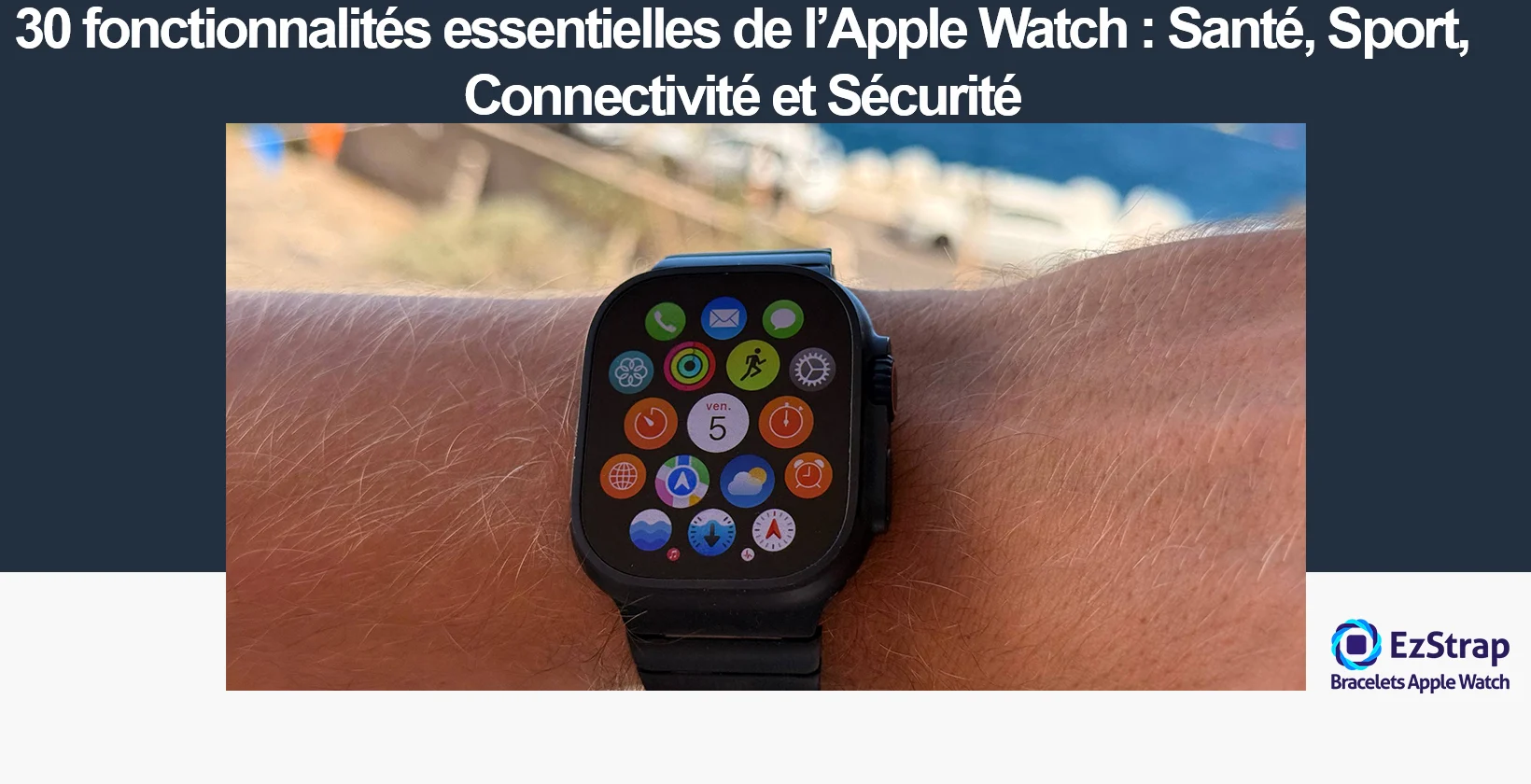
To answer the question "What are the main benefits of the Apple Watch?", this guide presents 30 key features, sorted logically into the main areas of benefit — Health, Sport, Connectivity and Safety — to show you in concrete terms how it can fit into and enrich your daily life.
1. Take an electrocardiogram (ECG) on demand
The Apple Watch can take an electrocardiogram (ECG) on demand, from your wrist. An ECG is a test that records the electrical activity of the heart and can detect possible heart rhythm disorders, such as atrial fibrillation. This feature makes a technology usually reserved for the medical field accessible to everyone, and lets you take the initiative if you have a symptom or a doubt.
This feature makes it possible to keep an eye on your heart health day to day, which can be valuable for people who want to prevent problems or monitor an established condition. It is an early detection tool, making it possible to bring a reliable history to a healthcare professional and thus contributing to swift, personalised care. By making this gesture simple and practical, the Apple Watch encourages people to take charge of managing their own health.
To find out how to use this feature properly, you can read our complete guide to the Apple Watch ECG.
2. Measure your blood oxygen level (Oximeter)
The Apple Watch makes it possible to measure the level of oxygen in your blood thanks to a built-in sensor, an oximeter. This measurement, known as haemoglobin oxygen saturation, is an important indicator of how well breathing and blood circulation are working. Usually reserved for medical use, oximetry is now available at any time, on your wrist.
Its usefulness lies in tracking the body's oxygen supply, which is particularly valuable during exercise, at altitude, or for people with breathing problems or chronic conditions. This measurement can help with the early detection of an abnormal drop in oxygen level, a potential sign of a health problem, and makes swift care easier. By giving the user a simple, non-invasive way of monitoring this indicator, the Apple Watch contributes to a better understanding and management of their state of health day to day.
3. Track your body temperature
Starting with the Apple Watch Series 8, and on all Ultra models, the Apple Watch can monitor variations in body temperature thanks to sensors located against the skin and under the screen. Please note that this feature does not work like a conventional thermometer: temperature is monitored only at night during sleep, in order to identify variations around a "baseline value" specific to each person. The readings are interpreted to identify trends over time, which gives a reliable picture of how body temperature is changing, without providing an immediate one-off measurement.
The value of this feature lies above all in the continuous tracking of general wellbeing. Temperature variations can reveal changes linked to the environment, lifestyle, the phase of the menstrual cycle or the onset of an illness. For women, this information can notably improve the prediction of ovulation or menstruation periods. But this tracking is relevant to everyone, making it possible to better anticipate certain physiological fluctuations or to provide useful evidence for the early detection of feeling unwell. Simple to use and built into the iPhone's Health app, temperature measurement adds to the preventive, personalised dimension of the Apple Watch in day-to-day health tracking.
4. Monitor your sleep and detect signs of apnoea
The Apple Watch has an advanced sleep tracking feature that analyses the quality and duration of your rest each night. Thanks to its sensors, it tracks movement, heart rate and blood oxygen level, and classifies the sleep stages (light, deep, REM). The results are available each morning in the Health app or a dedicated report, offering an overview of your sleep cycles to help you understand and improve your habits in order to preserve optimal health. With goals to reach and Sleep Focus switched on, the Apple Watch reduces distractions to encourage peaceful falling asleep and a personalised wake-up.
To find out more on this subject, you can read our complete guide to sleep tracking.
The most notable new feature is the Apple Watch's ability to detect the warning signs of sleep apnoea. Relying on its accelerometer and built-in artificial intelligence, the watch identifies nocturnal breathing disturbances (breathing that stops or is irregular), which are often hard to notice yourself. If signs of moderate to severe apnoea are detected repeatedly on at least 10 nights out of 30 days, a notification alerts the user and advises them to see a healthcare professional. This proactive approach makes it possible to act early by flagging a risk that is often ignored but liable to cause serious cardiovascular complications. However, it is essential to remember that this tracking is not intended to replace a full medical diagnosis. Seamless integration with the Health app makes it easy to pass the collected information on to a professional, thus encouraging suitable, personalised care.
5. Monitor your heart rate and receive arrhythmia notifications
The Apple Watch continuously monitors your heart rate using the optical sensors on the back of the watch. This technology lets the Apple Watch measure your heart rate at any moment: at rest, while walking, during a workout or during mindfulness exercises. The data is available in real time in the Heart Rate app and reviewed in the background to detect any abnormal variation.
When the watch detects a heart rate that is too high or too low while the user is at rest, it can send a notification to flag a potential problem. In addition, the Apple Watch is able to pick up signs of arrhythmia, in particular atrial fibrillation. If an irregular rhythm is noticed on several occasions, the watch alerts the user so that they see a healthcare professional promptly. This proactive vigilance allows early detection of certain conditions, supports prevention and provides accurate tracking to share with the medical profession, reinforcing the Apple Watch's role as an everyday health tool.
6. Track your menstrual cycle and estimate ovulation
The Apple Watch offers a menstrual cycle tracking feature via the Cycle Tracking app. The user is invited to easily log data such as her periods, her symptoms (cramps, headaches) and other daily details. This information, combined with physiological measurements such as heart rate and, on the most recent models (Series 8 and Ultra), wrist temperature during sleep, feeds personalised predictions for the start of her period and the fertile window.
Ovulation is estimated mainly from variations in night-time body temperature, relying on the "biphasic shift" that follows ovulation during the cycle. After analysing two complete cycles worn overnight, the Apple Watch provides retrospective estimates of the likely day of ovulation and refines the predictions for subsequent cycles. This tracking gives a deeper understanding of your cycle and its irregularities, and can help anticipate health issues or prepare for a pregnancy. It is crucial to understand that these predictions are estimates and that the feature must not be used as contraception or as a medical diagnostic tool.
7. Check your vital signs (Vitals app)
With the Vitals app introduced with watchOS 11, it is possible on the Apple Watch to read at a glance the main vital signs measured by the watch overnight. This feature summarises five key indicators: heart rate, respiratory rate, wrist temperature, blood oxygen level* and sleep duration. Rather than picking apart each piece of data individually, the app puts this information in context and each morning displays a summary comparing the night's metrics with your "typical range" obtained from several nights of sleep.
The value of Vitals lies in its ability to quickly detect abnormal drifts: if two or more of your readings move significantly away from your usual values, the watch sends you a notification and sometimes suggests explanations (illness, change of altitude, alcohol, etc.) This lets you act early, recognise the early signs of fatigue, stress or feeling unwell and adapt your lifestyle accordingly. The app thus provides daily monitoring of your state of health, encouraging prevention and dialogue with professionals thanks to objective, historical data, all within reach of your wrist.
8. Track your health with third-party apps
In addition, the Apple Watch supports a variety of health-related third-party apps, extending the tracking options beyond the watch's native features, in response to specific needs such as blood glucose management, medication adherence, mental wellbeing monitoring or detailed analysis of sporting performance. By connecting to Apple's Health app, these apps automatically centralise the data they collect, providing a complete, unified overview of the user's state of health.
For example, apps such as Dexcom or FreeStyle Libre let people with diabetes view their glucose level in real time on the watch screen, without having to check a separate device. Specialist apps offer more in-depth analysis of heart rate, stress or sleep, while services such as Strava or Runkeeper complete the physical activity information with advanced tracking and personalised recommendations. This openness also makes it easier to share data with healthcare professionals, thereby optimising prevention and personalised care. The Apple Watch thus establishes itself as a connected health platform, suited to everyone's specific needs.
9. Measure your VO2 Max (cardiovascular fitness level)
The Apple Watch also has an option to estimate VO2 Max, an essential measure for assessing cardiovascular fitness. VO2 Max is the maximum volume of oxygen the body can use during intense effort, and it is expressed in millilitres of oxygen per minute per kilogram of body weight (mL/kg/min). A high VO2 Max indicates that the body is able to use oxygen efficiently to produce energy during prolonged exercise, which translates into better athletic performance and greater endurance. On the Apple Watch, this estimate is made automatically during outdoor walking, running or hiking workouts, using data from the heart rate sensor and the GPS together.
In terms of usefulness, VO2 Max is one of the best indicators of cardiovascular health and longevity. Studies show that increasing it, even slightly, reduces the risk of cardiovascular disease and the all-cause mortality rate. The Apple Watch therefore makes it easy to follow how this indicator changes over time, to be informed if the value is unusually low and to encourage more active habits. Although the assessment remains an estimate (and not a direct medical measurement), it is a reliable and motivating reference for progressing in your sport or monitoring your overall health.
10. Receive chronic high blood pressure notifications
Chronic high blood pressure notifications are automatic alerts that let Apple Watch Series 9 and later spot persistent signals of a chronic rise in blood pressure. Chronic high blood pressure (hypertension) is a condition defined by blood pressure that is too high and persists over time. It is characterised, according to the French National Institute of Health and Medical Research (Inserm), by a systolic pressure above 140 mmHg or a diastolic pressure above 90 mmHg.
This feature uses the built-in optical heart sensor to analyse how the blood vessels respond to heartbeats over a continuous 30-day period. The machine learning algorithm developed by Apple examines cardiovascular information gathered passively and looks for patterns associated with sustained hypertension.
The value of this feature: screening for a condition that affects 1.3 billion adults worldwide (World Health Organization). Chronic hypertension is one of the main preventable risk factors for heart attacks, strokes and kidney disease. Screening is all the more valuable because this condition often remains asymptomatic for years.
When the user receives a hypertension notification, Apple recommends taking their blood pressure with a medical blood pressure monitor for 7 consecutive days and seeing a healthcare professional for confirmation. This feature has been clinically validated on more than 2,000 patients and is intended for users aged over 22 with no known hypertension.
11. Count your steps and track your daily activity (Rings)
Daily activity tracking on the Apple Watch relies on a complete system of "Activity rings": visual, simple and motivating. These three rings correspond, respectively, to active calories burned (Move), the number of minutes of moderate to vigorous activity (Exercise) and the number of hours in which you have spent at least one minute standing and moving (Stand). The step count is also an integral part of this tracking, and every step taken during the day is recorded automatically thanks to the built-in gyroscope and accelerometer.
The value of the rings lies in their ability to make reaching set health goals concrete and motivating, encouraging the user to move regularly, to do moderate physical activity and to limit sedentary behaviour. This data, which can be viewed in real time on the watch or in the Health app, helps foster a more active and balanced lifestyle, beneficial for general wellbeing, weight management and the prevention of chronic diseases. Thanks to immediate feedback, personalised reminders and a detailed history, the Apple Watch makes daily tracking simple, accessible and engaging.
12. Track your sports workouts
The feature dedicated to tracking sports workouts on the Apple Watch is comprehensive and covers a large number of activities (running, walking, cycling, swimming, yoga, indoor training, etc.). Using the watch's sensors (accelerometer, gyroscope, GPS, heart rate monitor), it records accurate data in real time such as exercise duration, distance covered, calories burned and heart rate, but also pace or the GPS route for outdoor sports.
This tracking feature encourages more mindful and effective sport: you can assess your progress and set personal goals, while adjusting the intensity of sessions to how fit you feel. The detailed summaries visible on the Apple Watch and in the Health app provide motivating feedback and make performance analysis easier. Syncing with other fitness apps and social platforms encourages sharing, friendly competition and consistency. Workout tracking on the Apple Watch thus supports the user in a complete, effective and safe approach to sport, helping to improve their health and overall physical condition.
13. Use the depth gauge for diving
The Apple Watch Ultra has a built-in depth gauge, accessible via the Depth app, which measures depth in real time, as well as time underwater and water temperature, down to 40 metres. This feature activates automatically on immersion from a depth of one metre, establishing a water mode that locks the screen against accidental touches. The app shows the current depth, the maximum depth reached, the time spent underwater and the water temperature, offering an instant overview of the essential parameters for recreational diving. The accuracy of the depth gauge is approximately ±1 metre.
This feature is particularly handy for freedivers, swimmers underwater and recreational divers looking for simple, reliable tracking of their dive. Of course, the Apple Watch Ultra does not replace a professional dive computer — among other things because it does not handle decompression stops or gas analysis — but it offers easy access to vital information while underwater. For safe use, it is advisable to check the condition of the watch before each dive and sometimes to use a second measuring device. Finally, the watch is compatible with third-party apps such as Oceanic+, which go even further and turn the Apple Watch into a full dive computer, offering advanced features for certified divers down to a depth of 40 metres. This combination makes the Apple Watch Ultra a versatile tool for water sports and recreational diving enthusiasts.
14. Use Walkie-Talkie mode to communicate instantly
The Apple Watch's Walkie-Talkie mode offers instant, two-way communication between users connected via Wi-Fi or a cellular network. Working like a digital walkie-talkie, this feature allows quick exchanges by pressing to talk and releasing to listen, without having to make a conventional phone call. It uses the network connection of the watch or the paired iPhone to transmit voice in real time, making communication smooth and efficient.
The appeal of Walkie-Talkie mode lies in how easy and quick it is to use, ideal for keeping in touch with loved ones or colleagues on the move, during outdoor activities or in environments where making calls is less practical. It lets you communicate instantly without distraction, perfect for coordinating teams, organising outings or simply having a quick chat without taking out your phone. By adding this function to an object worn on the wrist, the Apple Watch offers a new, simple and accessible way of interacting, enriching the connectivity and mobility experience day to day.
15. Take calls directly from your wrist
The Apple Watch lets you take phone calls directly from your wrist, which provides great flexibility and increased mobility. This feature is made possible by a wireless connection with the paired iPhone: Bluetooth when the phone is nearby, or a cellular connection built into certain compatible models. The user can thus receive and answer or decline a call with a few simple gestures, without having to take their phone out of their pocket or bag.
The Apple Watch also lets you receive notifications of WhatsApp voice and text messages directly on your wrist. To find out more on this subject, you can read our guide to WhatsApp on Apple Watch.
The usefulness of this feature is felt particularly in situations where taking out your phone can be a nuisance or inappropriate, such as while driving, exercising, or even in a meeting. It lets you stay connected while keeping your freedom of movement, which simplifies managing communications day to day. Being able to take a call directly on your wrist also makes it possible to keep your hands free for other activities, which improves both safety and comfort of use. Combined with an ergonomic, intuitive interface, this feature helps make the Apple Watch a genuine relay for personal and professional connectivity, always within reach.
16. Use the watch as a remote control for the camera
The Apple Watch offers the ability to use the watch as a remote control for the iPhone's camera via the built-in Camera Remote app. In other words, your watch turns into a genuine remote shutter release: open the corresponding app on the Apple Watch, and the iPhone's framing appears in real time on your wrist. You can adjust the frame, zoom with the Digital Crown, select the focus area, start a 3-second timer or take the photo instantly. You can also switch between the front and rear cameras, adjust the flash or turn Live Photo on/off, all without touching the iPhone.
This feature is particularly handy for group photos, selfies or steady shots without asking anyone for help or handling your phone from a distance. You can thus place the iPhone on a tripod or any stable surface, check the framing from a distance and trigger the shot at the right moment. You can also record videos, and watch the shots directly on the watch before finding them in the iPhone's Photos app. This feature boosts creativity, makes everyday life easier and offers new perspectives on shooting for budding or seasoned photographers.
17. Read and reply to text messages and emails
The Apple Watch lets you read and reply to your text messages and emails directly on your wrist. It makes it possible to manage communications quickly and smoothly, without taking out your phone. With an easy-to-use interface, you can see the messages you receive and read the full content of emails and text messages. To reply, you can: dictate your text, use preset replies, write with the built-in keyboard (on models with a larger screen), or even send emojis and drawings.
This feature boosts productivity and responsiveness, notably in contexts where the phone is not easily accessible or when checking your device is awkward, such as in a meeting, on the move or during sports activities. It also reduces interruptions while keeping you connected, facilitating quick and discreet communication. Seamlessly integrated with the Messages app and compatible mail clients on iPhone, this capability adds to the versatility of the Apple Watch as a personal communication assistant day to day.
18. Pay contactless securely with Apple Pay
Thanks to Apple Pay, a built-in mobile payment service, the Apple Watch makes it possible to make contactless payments securely. Apple Pay works by replacing physical bank cards with a secure digital system stored directly on the watch. When a payment is made, the Apple Watch uses a device account number together with a unique dynamic transaction code, specific to each purchase, without ever transmitting the real bank card details to the merchant or storing them on the device or on Apple's servers.
Security is ensured through several layers of protection: to authorise a payment, the user must authenticate with a passcode, Face ID, Touch ID or a secret code (for the Apple Watch), the watch being worn on the wrist and locking as soon as it is removed. This ensures that only the legitimate wearer can make payments. Moreover, transactions are encrypted and Apple does not store any data that could link a transaction to its user, thus ensuring confidentiality and the protection of personal information.
The appeal of Apple Pay on the Apple Watch is twofold: a quick, simple and practical means of payment (you hold the watch up to a compatible terminal without taking out your card or your phone) and an ultra-secure payment system that you keep on your wrist, even when exercising or out and about. Thanks to Apple Pay, the Apple Watch turns into a reliable, secure digital wallet for everyday life.
19. Control the watch with gestures (Gesture Control / Double Tap)
The new Apple Watch Series 9 and Apple Watch Ultra 2 include the new "Double Tap" gesture, which lets you control the Apple Watch with one hand using a simple double tap of the thumb and index finger. This gesture uses the sensors and the S9 chip to detect the action accurately and quickly, offering easy use even when access to the screen is limited, such as when your hands are full, dirty or busy.
This gesture is put to use with the new "Double Tap" feature, which lets you quickly perform several common actions without touching the screen: answer / end a call, start / stop a timer or stopwatch, play / pause music, stop an alarm, navigate the widgets menu, take a photo via the iPhone remote, reply to a message, … and many other customisable commands, making the Apple Watch more intuitive, practical and accessible to use, especially in everyday situations where you cannot handle the watch directly.
Much more than a simple shortcut, this gesture control redefines the way you interact with the watch by providing a natural, fluid alternative, thus increasing the user's independence and the practicality of the device, particularly in situations of mobility or activity where hands are otherwise occupied.
20. Use the Siri voice assistant
In addition, the Apple Watch includes Siri, Apple's voice assistant, which lets you interact with the watch naturally using your voice to perform tasks without handling the device. Siri can be activated by raising your wrist and speaking, by saying "Hey Siri" or by pressing the Digital Crown. Siri can answer questions, start workouts, open apps, send messages, make calls, control music and many other actions, making the watch more user-friendly and natural to use.
Siri on the Apple Watch is useful for simplifying access to features and information, enabling quick, hands-free interaction. The voice assistant boosts productivity and responsiveness, especially on the move or when the screen is not practical, such as during a workout or a meeting. Furthermore, since watchOS 10.2 and the latest Apple Watch models (Series 9 and Ultra 2), Siri can now interact locally with health data, providing personalised answers about heart rate, sleep and more, without going through the cloud, improving privacy and speed. Siri thus becomes an intelligent, practical health assistant on your wrist, making it easier to manage your health and daily tasks.
Finally, Siri on Apple Watch also includes accessibility options, such as the ability to type to Siri instead of speaking, as well as the choice of how the assistant responds (by voice or by text), thus adapting the experience to each user's needs.
21. Listen to and control music and podcasts
The Apple Watch lets you listen to and control your music and podcasts very easily from your wrist. The Music app lets you play tracks on the watch, control those on the paired iPhone or stream via Apple Music if you are a subscriber. The watch connects easily to Bluetooth headphones or speakers for smooth wireless listening. The Podcasts app lets you listen to shows downloaded to the watch or streamed, with navigation through episodes and controls to skip forward, skip back or pause.
Controlling music and podcasts is simplified thanks to an intuitive interface and the Digital Crown, which adjusts the volume precisely. In addition, the "Now Playing" app centralises the management of audio content currently playing on the Apple Watch, the iPhone or other compatible devices such as the HomePod, allowing simplified multi-device control. Siri can also be used to start tracks, playlists or podcast episodes by voice command. This complete integration makes the Apple Watch particularly useful for enjoying your favourite music and podcasts on the move, during workouts or day to day, while keeping your hands free and without taking out your phone.
Thus, listening to and controlling music and podcasts on the Apple Watch contributes to a smooth, accessible and personalised sound experience, reinforcing independence and comfort of use day to day.
22. Use Fall Detection and Crash Detection
The Apple Watch offers advanced features such as fall detection and car crash detection on models from the Series 4 onwards, as well as SE and Ultra models. Thanks to built-in sensors and motion analysis algorithms, the watch is able to recognise hard falls and the impacts characteristic of a car crash. When a severe fall is detected, the watch emits a vibration, sounds an alarm and displays an alert on the screen. The user can then contact emergency services with a gesture, or dismiss the message if they are well.
If there is no response or movement, the watch calls emergency services automatically after one minute, and also sends the user's location to their saved emergency contacts. This system works even without an iPhone nearby if the watch is cellular. In a car crash, recent models trigger the emergency call and inform contacts in the same way, based on sensor data, speed and impact.
The value of these features is that, even if unconscious, you are looked after quickly, which limits the consequences of post-accident stress and offers extra security, notably for elderly people or those who practise high-risk sports. Their automatic activation from age 55 and customisable settings ensure protection suited to everyone.
23. Trigger a manual Emergency Call
The Apple Watch also lets you trigger a manual emergency call, which is crucial for reacting straight away if you feel in danger or need immediate help. You do this by holding down the watch's side button until the "Emergency Call" slider appears, then dragging it or continuing to press, depending on the setting you have chosen. The watch then automatically dials the local emergency services (112, 911, etc.) according to the country you are in, without needing an iPhone nearby on cellular models.
The value of this feature lies in having a quick, easily accessible means of getting help, even in a moment of distress (a fall, an assault, feeling unwell, an accident). The emergency call also lets you share your geographical location with the operator and, if enabled, send a notification with your location to the emergency contacts saved in the Health app, which shortens response times and gives both the user and their loved ones greater peace of mind. In short, the manual emergency call feature gives the Apple Watch an essential role in personal safety and in preventing everyday risks.
24. Find your way and follow a route with Maps
The Apple Watch offers a practical navigation solution thanks to the Maps app built directly into the watch. It lets you easily find your location and follow a route step by step, on foot, by car, by bike or by public transport, without having to take out your iPhone. To use this feature, simply open the Maps app on the Apple Watch, search for a destination or pick one from your favourites, and select the mode of transport you want. The route then appears directly on the screen, with the option to view the whole journey, the distances, the estimated arrival time and each turn instruction. You can scroll through the steps and zoom the map with the Digital Crown, and directions are relayed through different vibrations and sounds depending on which way to turn, making navigation easier while you stay alert to your surroundings.
The benefit is twofold: it makes getting around easier and smoother, especially when travelling or in an unfamiliar environment, and it adds safety by discreetly delivering directions to your wrist without your having to keep checking your phone. This proves very useful for pedestrians, cyclists or drivers who want to keep their hands free and their eyes on the road. In addition, the Siri connection lets you ask for directions by voice, and support for third-party navigation apps widens the possibilities even further (importing routes, offline navigation, etc.). Ultimately, following a route with the Apple Watch means having a genuinely ergonomic, reliable and always-available navigation assistant every day.
25. Use the Compass and the "Backtrack" feature
The Apple Watch has a digital compass that you can consult with the app of the same name and that provides, at any time, your heading, current location, altitude and GPS coordinates. You can add custom waypoints in one gesture — for example where you parked your car or the starting point of a hike — and see at any time the distance, direction and difference in altitude separating you from each saved location. The compass offers several views to help you get your bearings, notably a 3D visualisation of the relative position of waypoints and detailed data such as azimuth, inclination or altitude.
The Return feature (or Starting Point match) – also called "Backtrack" – turns the watch into a navigation beacon by activating route recording in the Compass app before you set out to explore an unfamiliar or remote area. At any time you can activate the retrace function, which then shows the path to follow to get back exactly to your original starting point, represented by a white marker on the watch screen. It is a valuable solution when hiking, travelling or exploring a city if you want to avoid getting lost, when landmarks disappear or when there is no network. Simple to use, it reinforces safety and independence and also lets you consult a history of important places, making it easier to plan or resume routes on future outings.
26. Change the watch face and band to adapt your watch
One of the Apple Watch's distinctive qualities is that it can be personalised as you wish, allowing each user to control the style and use of their watch according to their tastes or needs. Changing the watch face is child's play: simply pressing and holding the main screen opens the face gallery, and you swipe to choose the one you want to display or add a new one via the "+" symbol. Each face can be personalised in terms of colours, styles and complications (information displayed such as weather, activity, calendar…), making it possible to create a tailor-made experience in harmony with your lifestyle or your mood of the day. With the dedicated app on iPhone, you can even create your own faces or discover new ones through the gallery, making the change quick and intuitive.
Personalisation goes even further thanks to the Apple Watch band, which can be changed in the blink of an eye. Simply place the watch face down, press the release button on the back and slide out the old band to replace it with the new one, which clicks into place with a sharp sound. There are thousands of models – silicone, leather, metal, nylon… – and colours to choose from, including from third-party manufacturers, allowing you to play endlessly with the look of the watch: sporty, elegant, casual, professional… This modular side makes it possible to match the watch to your outfit of the day, or to a particular activity or occasion, without giving up comfort and a secure fit for each use.
This variety of faces and bands gives the Apple Watch the status of an accessory that is both versatile and expressive: a practical object by day, an elegant piece of jewellery by night, a sports coach or a personal assistant, always up to the user's needs.
27. Control your iPhone from your watch
The Apple Watch also offers the ability to control your iPhone directly from the watch. Thanks to the features built into the Settings app under Accessibility, the user can access "Control Nearby Devices". By enabling this option, you can operate certain functions of your iPhone (or iPad) – connected to the same iCloud account and network – from your Apple Watch. This control includes access to the main buttons, the app switcher, Notification Centre, Control Centre, Siri, as well as media controls and customisable gestures. This two-way interaction lets you manage your smartphone from your watch when the iPhone is hard to handle or out of reach, improving everyday mobility and independence.
In addition, the Apple Watch also has Apple Watch Mirroring (since the Series 6), which reflects the watch screen in real time on the paired iPhone. Using this mirroring lets you interact with the watch interface via the iPhone's larger touchscreen and proves valuable for users with accessibility needs or who prefer more precise control. This feature offers improved ease of use and greater accessibility while ensuring smooth control between the two devices.
This complementarity between the Apple Watch and the iPhone considerably improves the user experience by making it possible to control one from the other as needed, making communication, navigation and the use of many features more practical day to day.
28. Use the "Check In" feature to reassure your loved ones
The Apple Watch has a "Check In" feature that lets you reassure your loved ones by sharing your location and sending alerts when needed. This feature, easy to activate from the watch, offers a discreet way of sharing your real-time geographical location with trusted contacts chosen in advance, whether during journeys, sporting activities or in situations considered potentially sensitive. The user can thus be followed by their loved ones without constant intervention, bringing mutual peace of mind.
The Check In feature is valuable for its ability to offer a form of discreet, anticipatory monitoring, which may be useful for older people, for those who take part in activities in isolated places, or simply for anyone wanting to strengthen their safety when travelling. In the event of a problem, the watch can take the initiative to alert the saved contacts with an immediate notification, allowing a quick response. This feature completes the Apple Watch's overall safety system, alongside emergency calls and automatic detection, to strengthen personal protection while promoting the independence and peace of mind of users and their loved ones.
29. Find your parked car
Thanks to a feature linked to the Maps app and to the Bluetooth or CarPlay connection between your iPhone and your vehicle, the Apple Watch can easily help you find your parked car. When you disconnect your iPhone from your car's Bluetooth or CarPlay system and walk away from it, your iPhone automatically drops a parking marker on the map in the Maps app. This marker corresponds to the exact spot where you parked your car, and you can access it from your Apple Watch via the Compass or Maps app. Your watch will show this point on a map with a car icon, helping you navigate on foot to find your vehicle.
This feature requires the iPhone to be paired with your car and certain settings to be enabled, such as Location Services, "Significant Locations" and "Show Parked Location" in the Maps settings. The main advantage is never losing your car again, especially in large car parks or unfamiliar places. It is also very practical and reassuring to be able to find your way precisely and quickly, without handling your phone, since the seamless integration gives direct access to this feature on your wrist with the Apple Watch, reinforcing its role as a simple, effective everyday mobility companion.
30. Take advantage of medical monitoring apps
The Apple Watch offers a variety of medical tracking apps that contribute to personalised, real-time monitoring of various health parameters. These apps collect data such as heart rate, blood oxygen saturation, wrist temperature, respiratory rate and sleep quality (Vitals app); they analyse it to identify anomalies and inform the user through contextual notifications, allowing proactive, informed management of their health.
The usefulness of these apps lies in the possibility of continuous, accessible monitoring of wellbeing, promoting prevention and independence. They also allow detailed reports to be generated and shared with healthcare professionals, contributing to more precise, personalised medical follow-up. In addition, some monitoring targets specific conditions, such as sleep apnoea notifications, which alert you to breathing disturbances detected at night. Through their seamless integration into the Apple ecosystem, these apps make the Apple Watch a true proactive health companion, able to alert, reassure and support the user every day, while respecting data privacy and security.
How to choose your Apple Watch based on these features?
With so many features available, it can sometimes be hard to know which Apple Watch to choose. For health-conscious users, features such as the electrocardiogram, blood oxygen measurement, sleep tracking or vital signs monitoring will play a decisive role. These models will be perfect for those who want precise, constant medical monitoring, such as the Series 8, SE or Ultra.
To go deeper into this and help you compare each model according to your needs, see our complete guide: How to choose your Apple Watch?. There you will find a clear summary table and typical profiles (health, sport, connectivity, safety) that make it easy to identify the most suitable Apple Watch.